Quick Buzz Feed

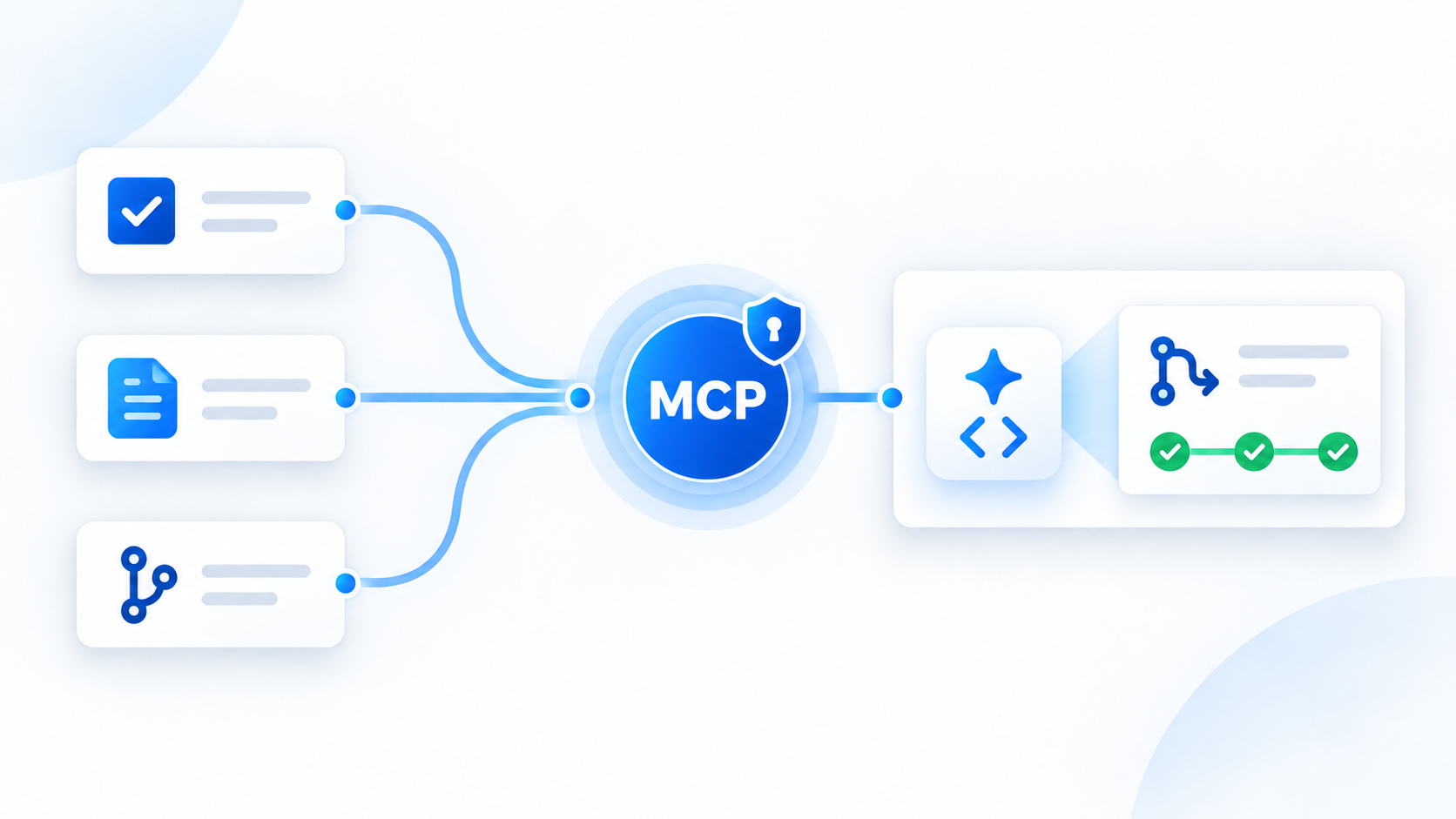
Atlassian's latest release allows developers to connect Bitbucket Cloud to their AI tools using Atlassian MCP via OAuth, providing simpler and more secure access. This integration enables AI assistants to access a comprehensive context, combining work details from Jira and Confluence with development data like code repositories, pull requests, and pipeline results directly from Bitbucket Cloud. This streamlines development workflows, allowing AI to assist with everything from initial implementation based on requirements to diagnosing and fixing failed pipelines, all within the developer's preferred AI client.
Once connected, an AI assistant gains access to both work context (from Jira, Confluence) and development context (Bitbucket code, commits, pull requests, pipeline results). This unified access streamlines developer workflows, eliminating the need to manually transfer information. Atlassian MCP further enhances AI capabilities, enabling assistants to manage pull request comments, updates, find commits, and related pull requests, actively assisting with implementation and review tasks.
Often, code changes stem from external requirements documented in Jira (customer problems, acceptance criteria) and Confluence (technical designs, rollout plans). With Atlassian MCP, developers can integrate this critical information directly into their AI-assisted coding workflow within Bitbucket. The AI can then guide implementation, identifying affected code areas, assisting with changes, and preparing pull requests for review, bridging the gap between planning and coding.
When a Bitbucket Pipeline fails, diagnosing the issue typically involves examining failed steps, logs, recent changes, and code. Integrating Bitbucket through Atlassian MCP allows an AI assistant to aggregate these details, pinpointing a probable cause and assisting in generating a focused fix. This empowers developers to concentrate on validating the AI's diagnosis and reviewing the proposed solution, significantly speeding up the debugging process.
Recognizing that development teams utilize diverse AI clients, Atlassian MCP ensures Bitbucket information is accessible across compatible platforms. This means developers can work with repository, pull request, and pipeline data directly within their preferred IDEs like Cursor or VS Code, or AI clients such as Claude or Codex. Crucially, existing Atlassian and Bitbucket permissions continue to govern access, maintaining security and control.
Bitbucket Cloud OAuth support is now live via the Atlassian MCP v2 endpoint. To begin, users must ensure their Bitbucket Cloud workspace is linked to an Atlassian organization. They then add the Atlassian MCP Server to their chosen AI client, sign in with their Atlassian account, approve the access, and can immediately start utilizing the integrated workflows. A v2 upgrade guide is available for existing MCP v1 users, which may involve re-adding plugins/connectors and re-authenticating.
The introduction of OAuth simplifies Bitbucket Cloud's integration with AI assistants. As AI's role in development grows, Bitbucket is evolving to offer more capabilities through APIs, Atlassian MCP, and TWG CLI, including features like understanding pull request blockers, managing merge queues, and reviewing deployment/test history. Atlassian is actively seeking community feedback on preferred AI-assisted Bitbucket workflows to guide future developments and ensure relevant enhancements.